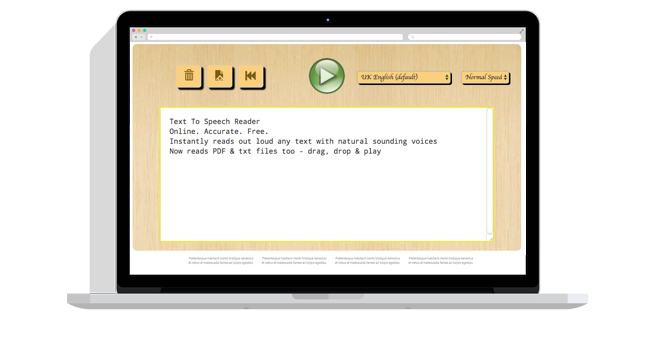
What Is The Text Reader?
A text reader is a software or hardware device that reads aloud digital text. It is also known as text-to-speech (TTS) software. Text readers can be used on computers, smartphones, tablets, and other electronic devices.
How do text readers work?
Text readers use a variety of techniques to synthesize speech from text. Some text readers use a rule-based approach, which involves breaking down the text into individual sounds and then combining those sounds to form words and sentences. Other text readers use a statistical approach, which involves analyzing a large corpus of speech data to learn how to pronounce words and phrases.
Who can benefit from using a text reader?
Text readers can be beneficial for a variety of people, including:
- People with visual impairments
- People with dyslexia and other learning disabilities
- People who are learning a new language
- People who want to listen to text while they are doing other tasks, such as driving or exercising
What are the different types of text readers?
There are two main types of text readers:
- Standalone text readers: These text readers are installed on a computer or mobile device and can be used to read aloud any type of digital text, including documents, web pages, and e-books.
- Web-based text readers: These text readers are accessed through a web browser and can be used to read aloud web pages.
What are the benefits of using a text reader?
There are many benefits to using a text reader, including:
- Accessibility: Text readers make it possible for people with visual impairments and other disabilities to access the same information as everyone else.
- Productivity: Text readers can help people to be more productive by allowing them to listen to text while they are doing other tasks.
- Comprehension: Text readers can help people to better understand text by reading it aloud to them.
- Convenience: Text readers can be used to listen to text on the go, making them a convenient way to consume information.
How to choose a text reader
There are a number of factors to consider when choosing a text reader, including:
- Compatibility: Make sure to choose a text reader that is compatible with your computer or mobile device.
- Features: Consider the features that are important to you, such as the ability to read aloud different types of files, the ability to adjust the voice and speed, and the ability to save audio files.
- Price: Text readers can range in price from free to hundreds of dollars. Choose a text reader that fits your budget and needs.
Some popular text readers
Some popular text readers include:
- NaturalReader
- Speechify
- Voice Dream Reader
- TextAloud
- Balabolka
How to use a text reader
To use a text reader, simply open the text reader and select the text that you want to read aloud. The text reader will then read the text aloud to you.
Here are some tips for using a text reader:
- Choose a voice and speed that are comfortable for you.
- Use the text reader’s controls to pause, rewind, and fast forward the audio.
- You can also use the text reader’s controls to adjust the volume and pitch of the audio.
- If you are using a standalone text reader, you can save the audio file to your computer or mobile device so that you can listen to it later.
Conclusion
Text readers are a valuable tool for people with visual impairments, learning disabilities, and other disabilities. They can also be used by people who want to be more productive or who want to listen to text on the go.
Keyword silo
- Text reader
- Text-to-speech (TTS)
- Accessibility
- Productivity
- Comprehension
- Convenience
- Voice
- Speed
- Volume
- Pitch
- Save
- Listen later
WebA text-to-speech reader has the function of reading out loud any text you input. Our tool can read text in over 50 languages and even offers multiple text-to-speech voices for a few. WebNatural Reader is a professional text-to-speech program that converts any written text into spoken words. We have both free and paid subscriptions to our applications to meet. WebA text to speech tool, also known as a text reader, or text to voice software, is a technology that reads aloud digital texts. These tools require no effort from the user's side other than. WebReadSpeaker is leading the way in text to speech. ReadSpeaker offers a range of powerful text-to-speech solutions for instantly deploying lifelike, tailored voice interaction in any.
Text To Speech Online | TTSReader
Source: ttsreader.com
Text Reader (Text to Speech) TTS by Read me

Source: Google Chrome – The Fast & Secure Web Browser Built to be Yours
Living Made Easy – Text to speech devices
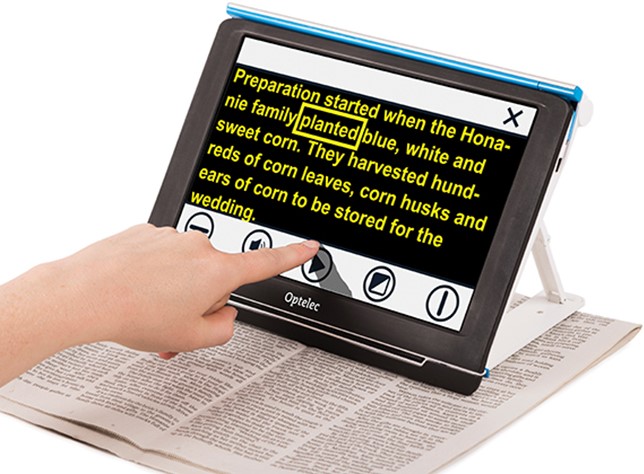
Source: livingmadeeasy.org.uk
What Is The Text Reader, How to Use Speak Option for MS Word (Text Voice Reader), 3.32 MB, 02:25, 12,452, MJ Tube, 2017-11-17T13:39:33.000000Z, 2, Text To Speech Online | TTSReader, ttsreader.com, 356 x 650, jpg, , 3, what-is-the-text-reader
What Is The Text Reader. WebText-to-speech goes by a few names. Some refer to it as TTS, read aloud, or even speech synthesis; for the more engineered name. Today, it simply means using artificial.
Voice Reader for MS Word
Facebook Page : facebook.com/MeMJTube
Follow on twitter: twitter.com/mj1111983
Website : bsocialshine.com
Text To Speech Online | TTSReader
What Is The Text Reader, WebA text to speech tool, also known as a text reader, or text to voice software, is a technology that reads aloud digital texts. These tools require no effort from the user's side other than. WebReadSpeaker is leading the way in text to speech. ReadSpeaker offers a range of powerful text-to-speech solutions for instantly deploying lifelike, tailored voice interaction in any.
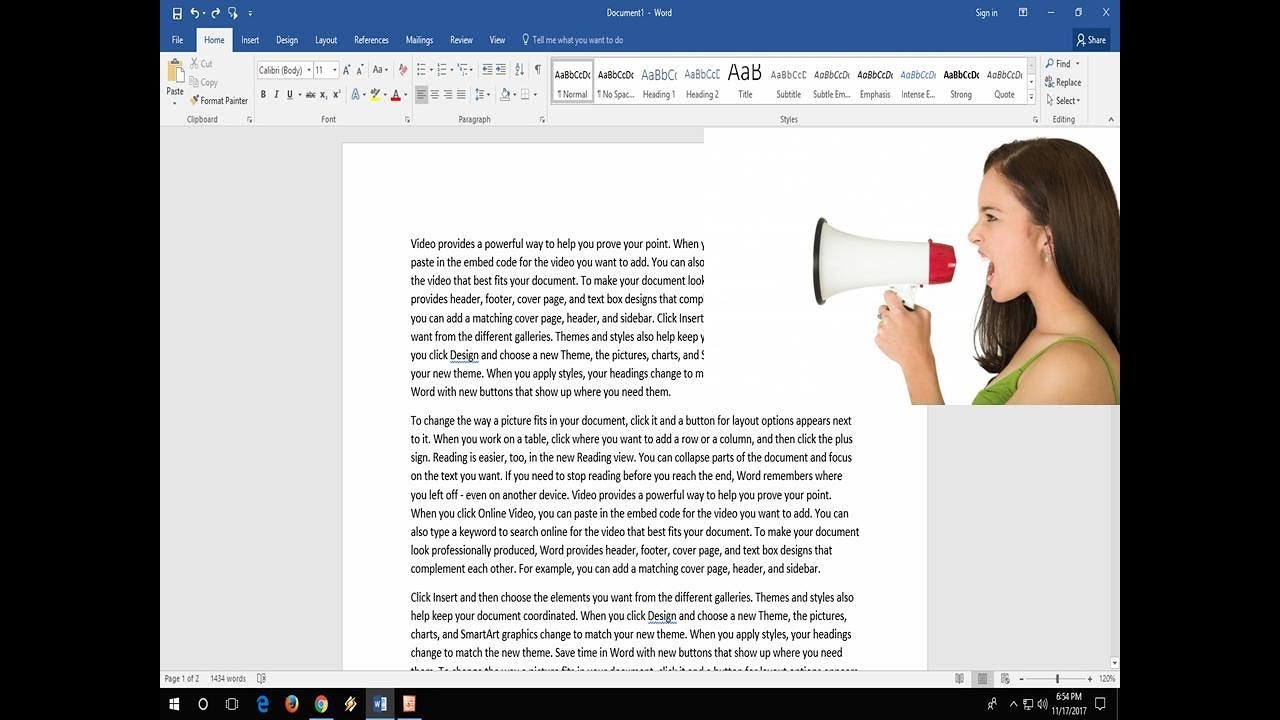
How to Use Speak Option for MS Word (Text Voice Reader)
Source: Youtube.com
Text to Speech with Adobe Reader

Source: Youtube.com
What is screen reader mode
What is screen reader mode What is screen reader minecraft.
What is screen reader minecraft
What is screen reader minecraft What is the best text to reader.
What is the best text to reader
What is the best text to reader What is text reader.
What is text reader
What is text reader What is the screen reader.
What is the screen reader
What is the screen reader What is text reader.
What is screen reader in ios lineFree Text to Speech Online with Realistic AI Voices
What is screen reader in ios Text to speech (TTS) is a technology that converts text into spoken audio. It can read aloud PDFs, websites, and books using natural AI voices. What is screen reader nvda.
What is screen reader in ios.
.
.
.
.
What is screen reader nvda -is-a-text-readerWhat is a Text Reader? – ElevenLabs Blog
What is screen reader nvda A text reader, also known as a voice generator or text to speech (TTS) technology, is an groundbreaking AI invention that converts written text into spoken words. These tools have been rapidly advancing, making them indispensable across various sectors. How do Text Readers Work? What is screen reader in android.
What is screen reader in android what-are-text-readersWhat Are Text Readers And How Do They Work?
What is screen reader in android What is screen reader software.
What is screen reader software ech (TTS) Reader Online. Free & Unlimited
What is screen reader software #1 Text To Speech (TTS) Reader Online Proudly serving millions of users since 2015 Type or upload any text, file, website & book for listening online, proofreading, reading-along or generating professional mp3 voice-overs. I need to > Listen to text & generate speech from text Start Text Player & Synthesizer What is screen reader discord.
What is screen reader discord -readerWhat Is A Text Reader? Speechify
What is screen reader discord Text readers, sometimes known as text-to-speech (or TTS) programs, use modern application programming interfaces (or APIs) to turn any text file into an audio file read out loud to you by either robotic-sounding or natural-sounding synthetic voices. What is screen reader mode.


0 Comments