how to stop the RCS chat service from popping up
How to Stop the RCS Chat Service from Popping Up
RCS, or Rich Communication Services, is a new messaging standard that is gradually being rolled out by carriers around the world. It offers a number of improvements over traditional SMS, such as typing indicators, read receipts, and high-quality media sharing.
However, some people have reported that the RCS chat service keeps popping up on their phones, even when they don’t want to use it. This can be annoying and disruptive, and it can also be difficult to get rid of the pop-up.
Here are a few things you can do to stop the RCS chat service from popping up
1. Disable RCS in the Messages app. Open the Messages app, tap on the three dots in the top right corner, and select Settings. Scroll down and tap on Chat features. Toggle the switch off to disable RCS.
2. Clear the cache and data for the Messages app. Go to your phone’s settings, select Apps, and find the Messages app. Tap on it and then tap on Storage & cache. Clear the cache and data.
3. Reboot your phone. Sometimes, a simple reboot can fix the problem.
If you’ve tried all of these things and the RCS chat service is still popping up, you may need to contact your carrier for help.
Here are some additional things to keep in mind
* RCS is still a new technology, and it’s possible that there are some bugs that are causing the pop-up issue.
* The pop-up may also be caused by a third-party app that is interfering with the Messages app.
* If you’re not sure what’s causing the problem, you can try uninstalling and reinstalling the Messages app.
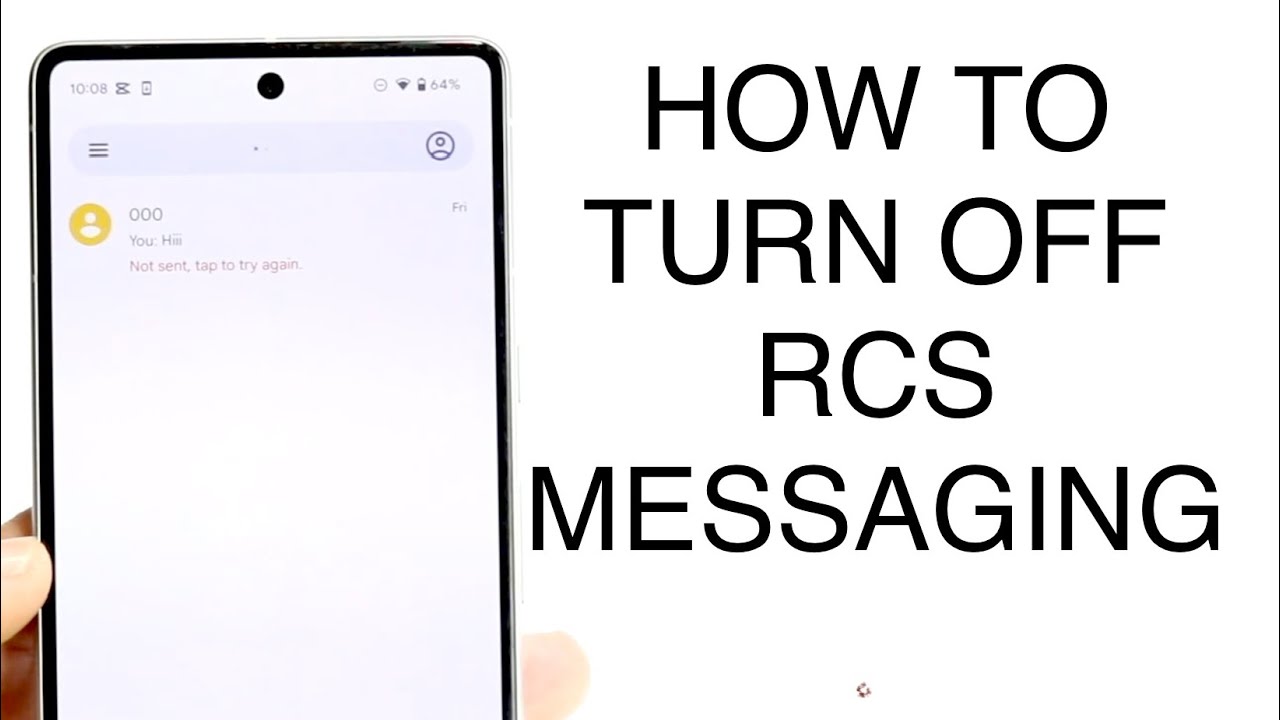
Explanation video from Rcs Chat Service Keeps Popping Up


0 Comments